
Powerful features, simple experience
LinkBox packs everything you need to organize links, credentials, and notes — without overcomplicating your workflow. Every feature exists because real users need it.
Everything at a glance
A quick look at all the capabilities that make LinkBox a complete desktop link management solution.
Local-Only Storage
All your data stays on your device. No cloud, no servers, no third-party access. Your links and credentials never leave your machine.
Encrypted Sensitive Fields
Passwords, tokens, and secrets are encrypted at rest with OS keychain integration. Nobody can access them without your permission.
Categories & Locks
Organize links into categories. Lock sensitive categories behind a password to add an extra layer of protection.
Instant Search
Find any link, note, or credential instantly with full-text search across all cards, categories, and custom fields.
Import & Export
Move your data between devices or back it up with simple import/export. Share curated collections with your team.
Visual Link Cards
Each link is a rich card with title, URL, description, custom fields, and notes. Not just a bare bookmark — full context at a glance.
Visit Tracking
See when you last opened a link and how often you use it. Stay organized effortlessly with usage insights.
App Lock
Protect the entire app with a master password. Keep everything safe on shared machines or when stepping away.
Custom Fields
Add any additional context — usernames, API keys, notes, status tags, environment labels — per link card.
Themes & View Modes
Choose your preferred visual style and switch between grid and list views to match how you work.
Cross-Platform Desktop
Works natively on Windows, macOS, and Linux. Same polished experience on every platform you use.
Free & No Account
Download and use immediately. No registration, no subscription, no strings attached. Free forever.
Link Management That Actually Works
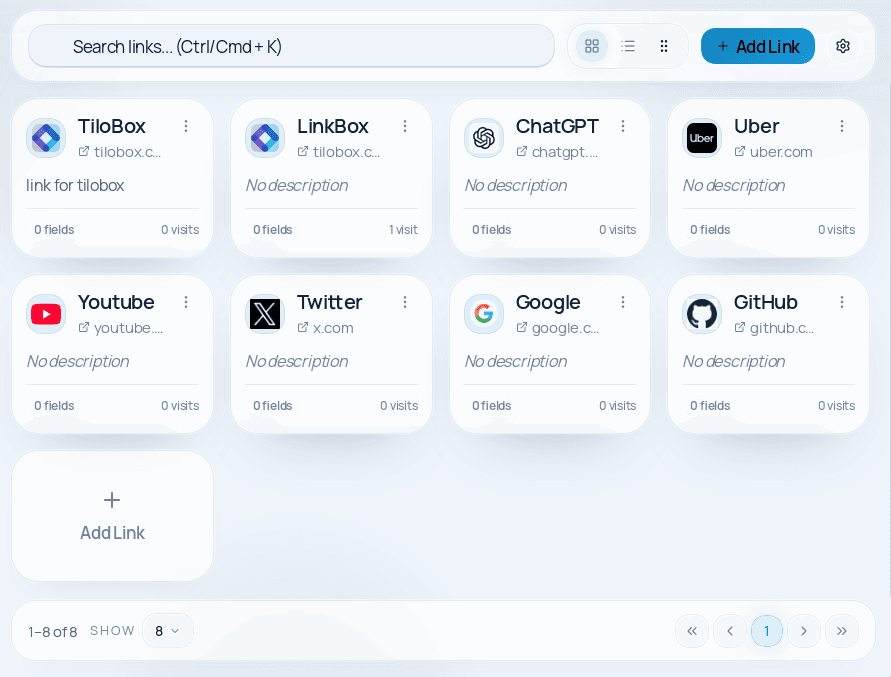
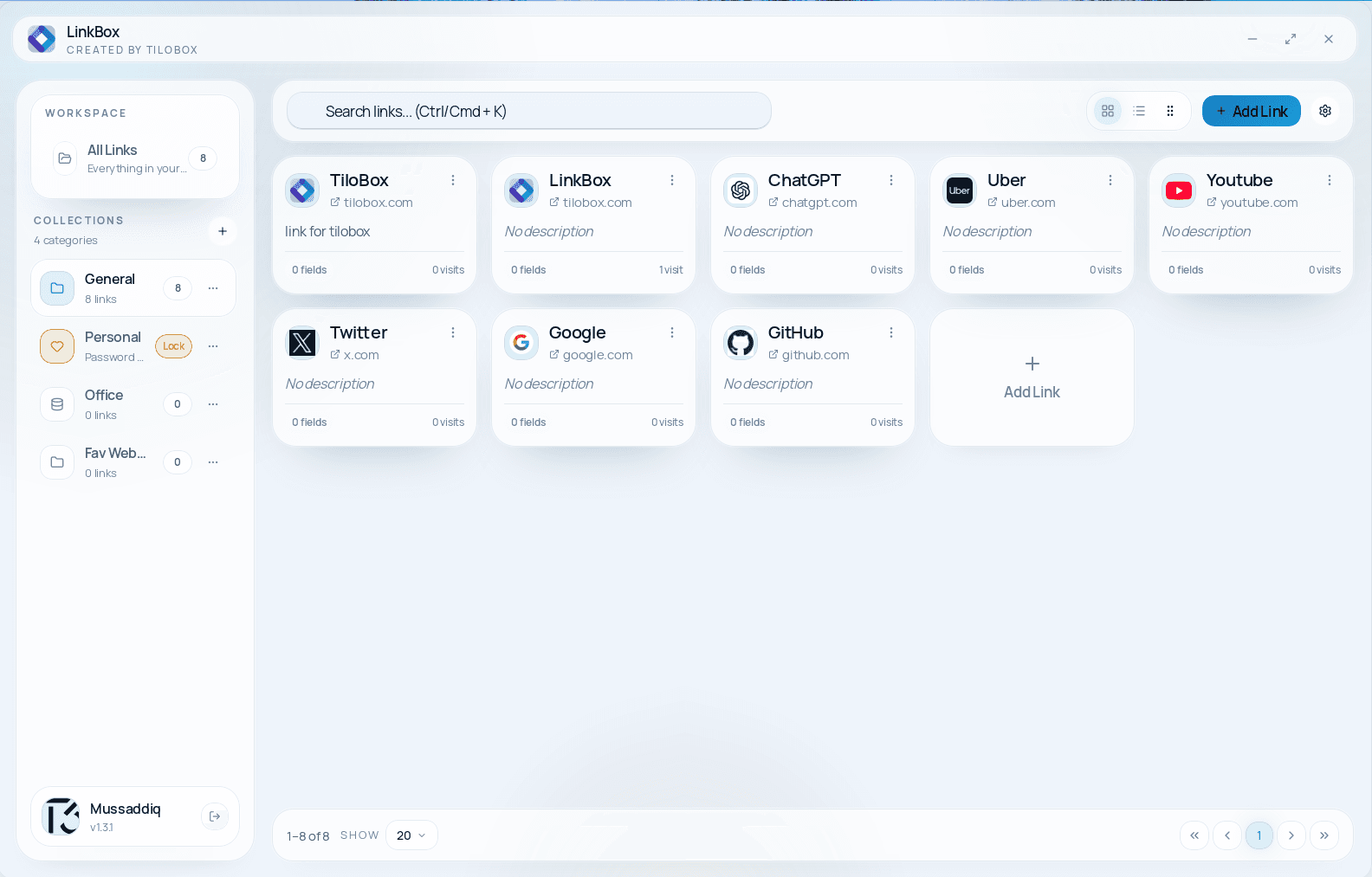
Every link in LinkBox is more than a URL. It's a rich visual card with a title, description, category, custom fields, and notes. Add context that browser bookmarks simply can't provide.
- Save any URL as a visual card with title, description, and favicon
- Open links directly from TiloBox with one click
- Add descriptions and context so you always know what a link is for
- See visit history — when you last opened it and how often
- Organize cards in grid or list layout based on your preference
Link Management That Actually Works
Custom Fields for Any Context
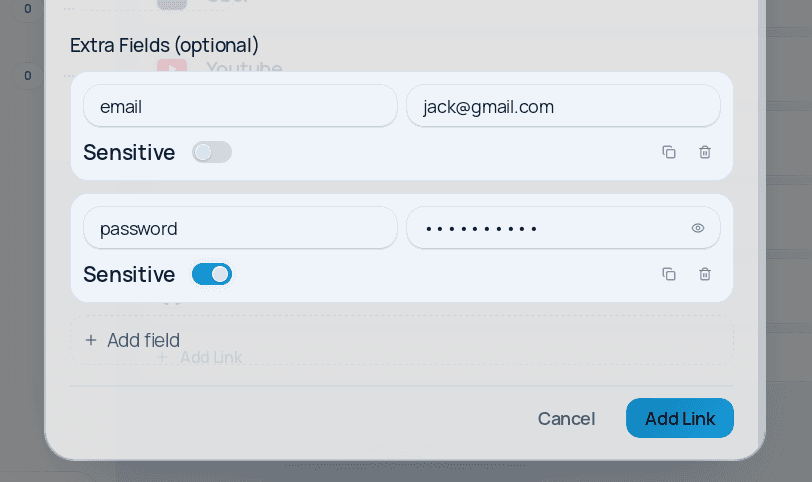
LinkBox lets you attach any additional information to a link card. Usernames, API keys, environment labels, project notes, status tags — whatever context you need, you can store it alongside the link.
- Add unlimited custom key-value fields per link card
- Store usernames, tokens, and environment labels alongside URLs
- Mark specific fields as 'sensitive' for automatic encryption
- View all fields at a glance on each card or in detail view
- Export custom field data when sharing collections
Custom Fields for Any Context
Encrypted Sensitive Values
Passwords, API keys, and tokens deserve better than a text file or a chat message. LinkBox encrypts sensitive fields at rest using your operating system's secure keychain, so they're protected even if someone accesses your machine.
- Mark any field as 'sensitive' to enable encryption
- Sensitive values are hidden by default — reveal with a click
- Encryption keys stored securely in your OS keychain
- Copy sensitive values to clipboard without revealing them
- No plaintext storage of passwords or tokens — ever
Encrypted Sensitive Values
Categories & Category Locks
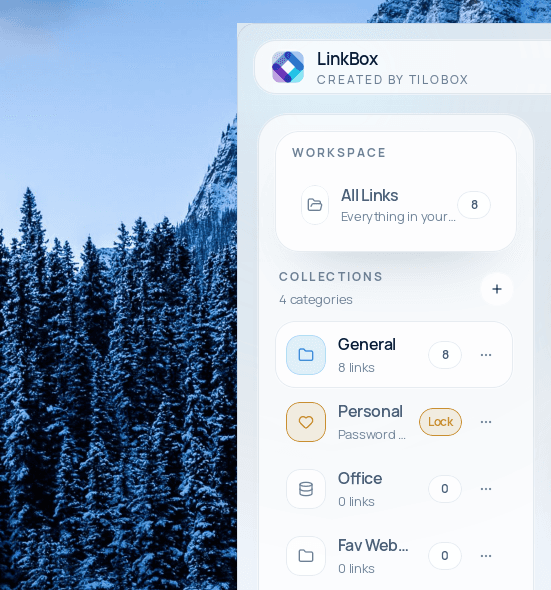
Group related links into categories to keep your dashboard organized. Lock sensitive categories behind a password so that certain links and credentials are only accessible to you.
- Create unlimited categories with custom names
- Lock categories behind a password for extra protection
- Drag and drop links between categories
- Collapse and expand categories to focus on what matters
- Color-code categories for visual identification
Categories & Category Locks
Search & Sorting
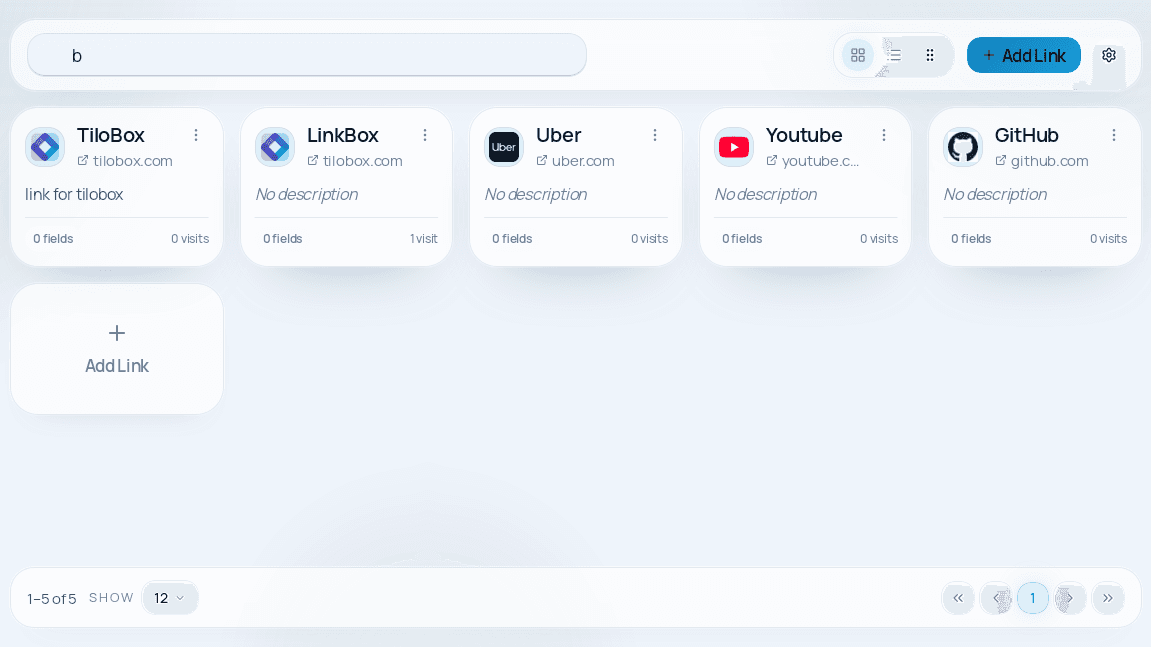
Find any link, credential, or note in milliseconds. LinkBox's built-in search works across titles, URLs, descriptions, categories, and custom fields — so nothing gets lost no matter how many cards you have.
- Full-text search across all card fields and categories
- Filter by category, tags, or custom field values
- Sort by name, date added, last visited, or visit count
- Instant results as you type — no waiting
- Search works entirely offline, no server needed
Search & Sorting
Import & Export Your Data
Your data belongs to you. Export your entire collection or specific categories to back up, migrate between devices, or share curated link collections with your team.
- Export all data or selected categories
- Import shared collections from teammates
- Back up your data in a portable file format
- Merge imported data with existing collections
- No vendor lock-in — your data is always accessible
Import & Export Your Data
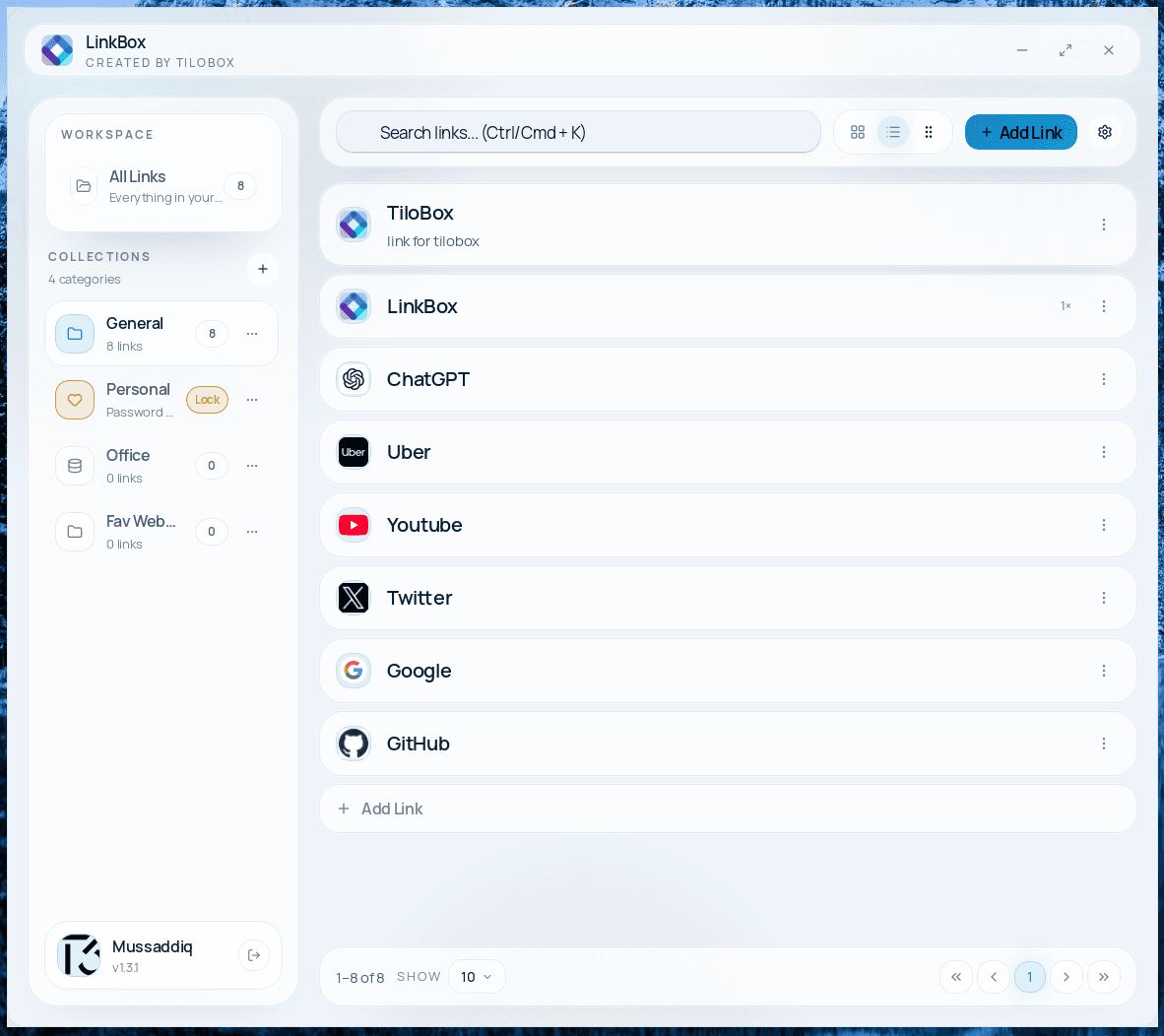
Themes & View Modes
Customize how LinkBox looks and feels. Choose between light and dark themes, switch between grid and list layouts, and adjust the density to match your personal preference.
- Light and dark theme support
- Grid view for visual card browsing
- List view for compact, scannable layouts
- Adjustable card density and display options
- Consistent design across all platforms
Themes & View Modes
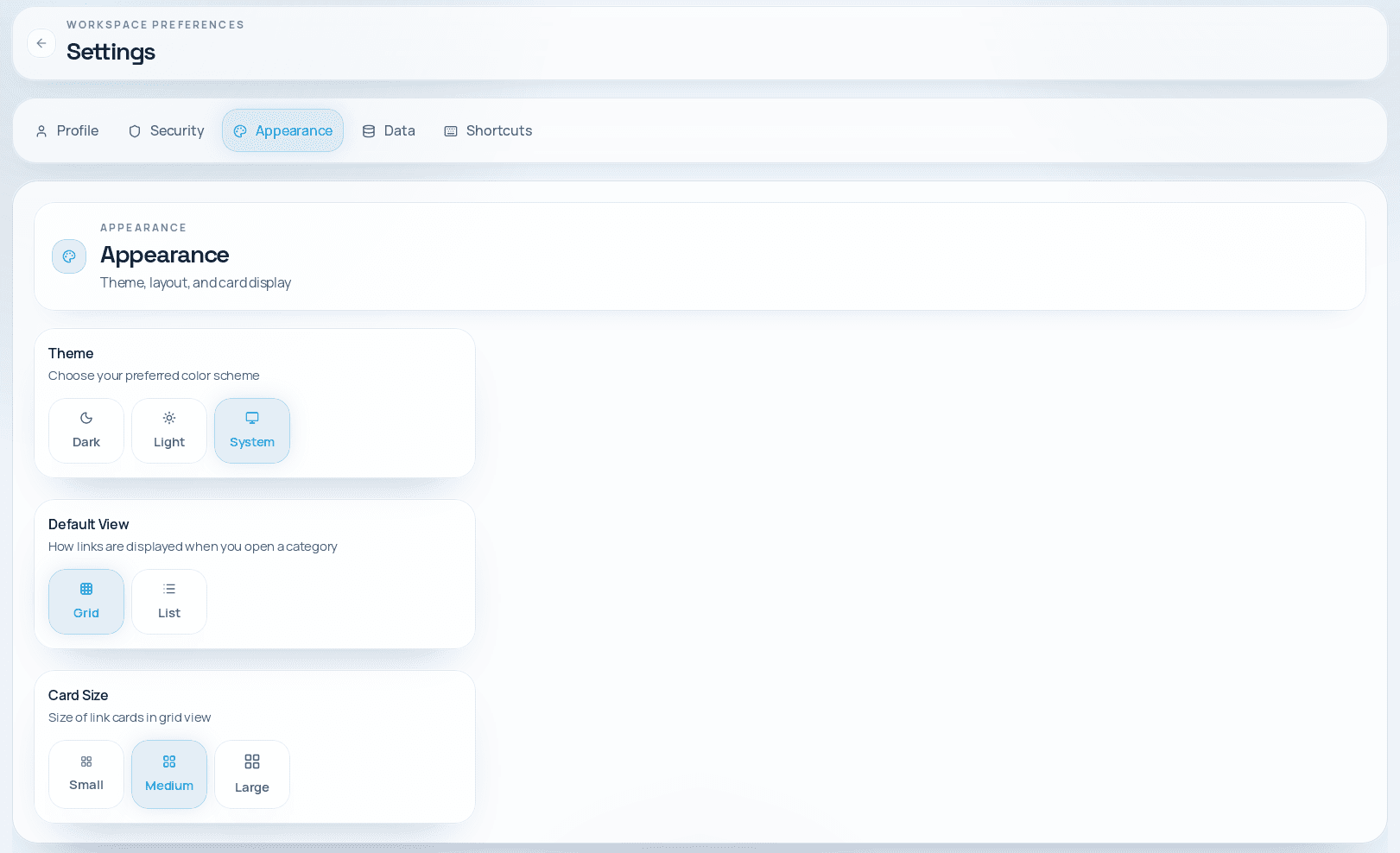
Cross-Platform Desktop App
LinkBox runs natively on Windows, macOS, and Linux. Whether you're on a company-issued laptop, a personal Mac, or a Linux workstation, LinkBox works the same way everywhere.
- Windows installer (.msi)
- macOS disk image (.dmg)
- Linux AppImage and .deb packages
- Consistent UI and features across all platforms
- Native OS integration including keychain access
Cross-Platform Desktop App
More than just bookmarks
Browser bookmarks are a starting point. LinkBox is a complete link management system with context, security, and organization built in.
| Feature | Browser Bookmarks | LinkBox |
|---|---|---|
| URL storage | ✓ | ✓ |
| Descriptions & notes | — | ✓ |
| Custom fields | — | ✓ |
| Encrypted credentials | — | ✓ |
| Category locks | — | ✓ |
| Visit tracking | — | ✓ |
| Full-text search | — | ✓ |
| Import/Export | ✓ | ✓ |
| App-level lock | — | ✓ |
| 100% local storage | — | ✓ |
| Zero telemetry | — | ✓ |
| Cross-platform | ✓ | ✓ |
Ready to try LinkBox?
Download for free and start organizing your links, credentials, and notes privately.