Visual Link Cards
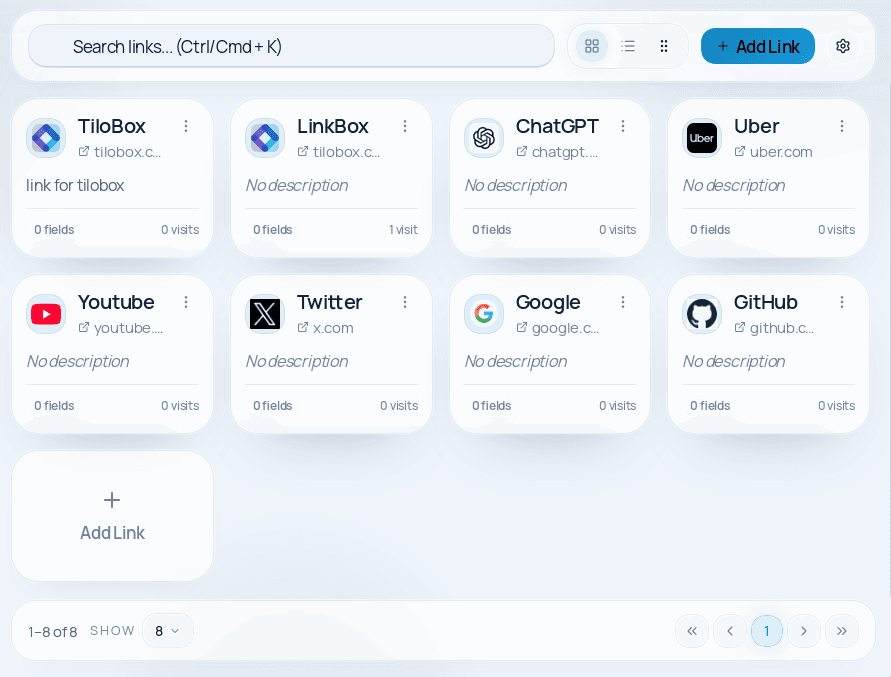
Browse rich cards with titles, favicons, descriptions, visits, and quick context at a glance.

Private local link workspace
All productsLinkBox brings your links, credentials, notes, and categories into one private local workspace. It feels more like a real product workspace than a pile of browser bookmarks.
Sensitive fields
Encrypted at rest
Categories
Organized by project
LinkBox turns scattered links, notes, and credentials into a structured local product workspace that feels built for daily use.
Important URLs live in spreadsheets, chat messages, browser bookmarks, sticky notes, and shared docs. Finding the right link means searching five different places.
Usernames, passwords, and API keys are shared through insecure channels — Slack messages, emails, and text files that anyone could access.
Browser bookmarks give you a URL and nothing else — no notes, no descriptions, no project context, no related credentials. It's barely more organized than a text file.
Every new hire spends days tracking down the right tools, dashboards, and portals. There's no single place to find everything a team uses daily.
When links only live in browser history, open tabs, or old messages, finding the right resource becomes guesswork. The work is small, but the friction is constant.
All your links, credentials, and notes in one searchable, categorized desktop app. Find what you need in seconds, not minutes.
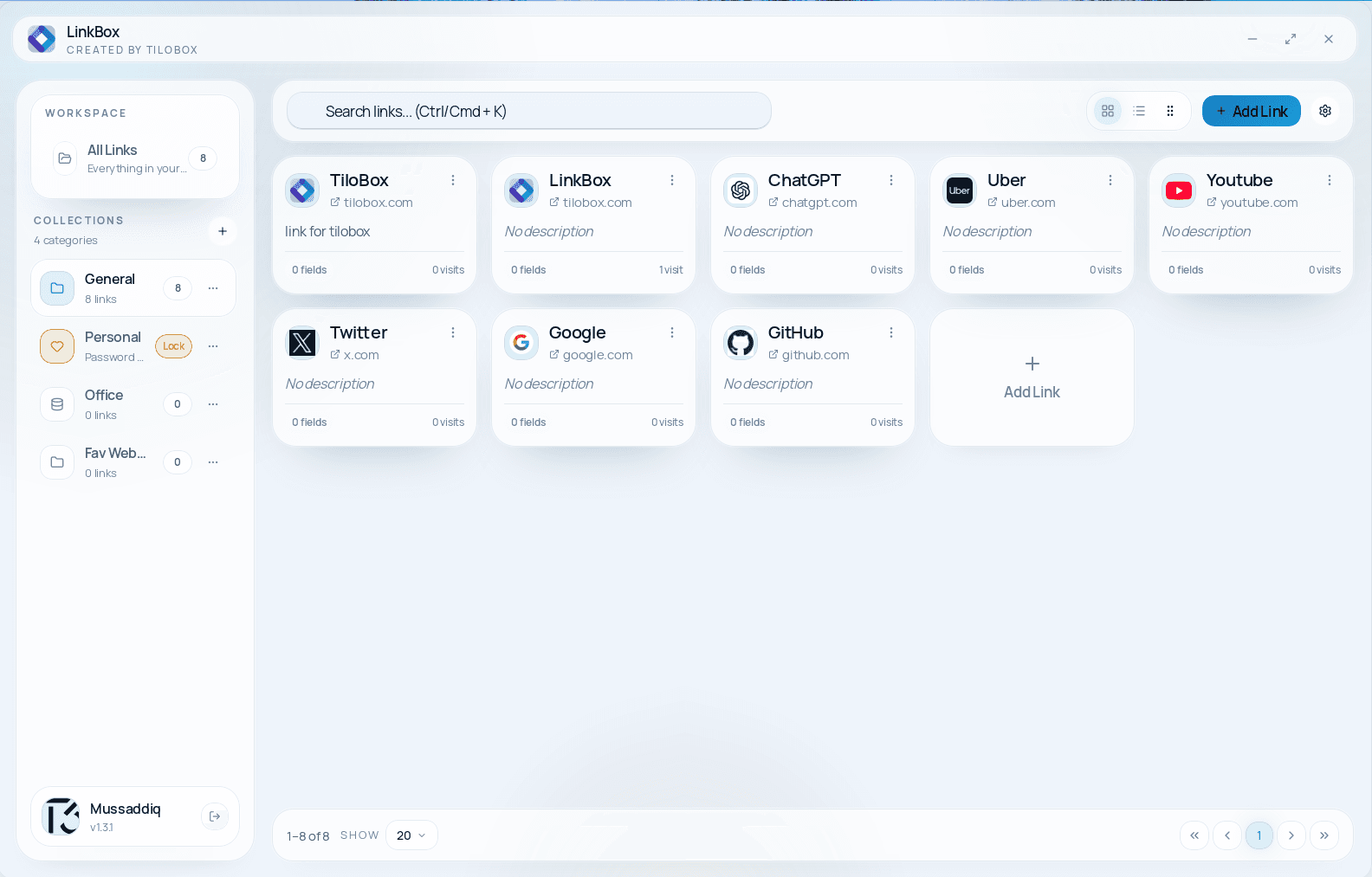
Passwords, API keys, and tokens are encrypted at rest using your OS keychain. Reveal them only when you need them — hidden by default.
Every link card holds a title, URL, description, custom fields, notes, and belongs to a category. No more bare bookmarks without any context.
TiloBox tools work entirely offline, load instantly, and keep everything on your machine. No internet connection required, no loading spinners.
Search by title, URL, notes, category, or saved fields and reopen what you need in seconds instead of hunting through browser history.
LinkBox replaces scattered bookmarks, spreadsheets, and chat messages with a single organized workspace that adapts to cards, list view, categories, search, and appearance preferences.
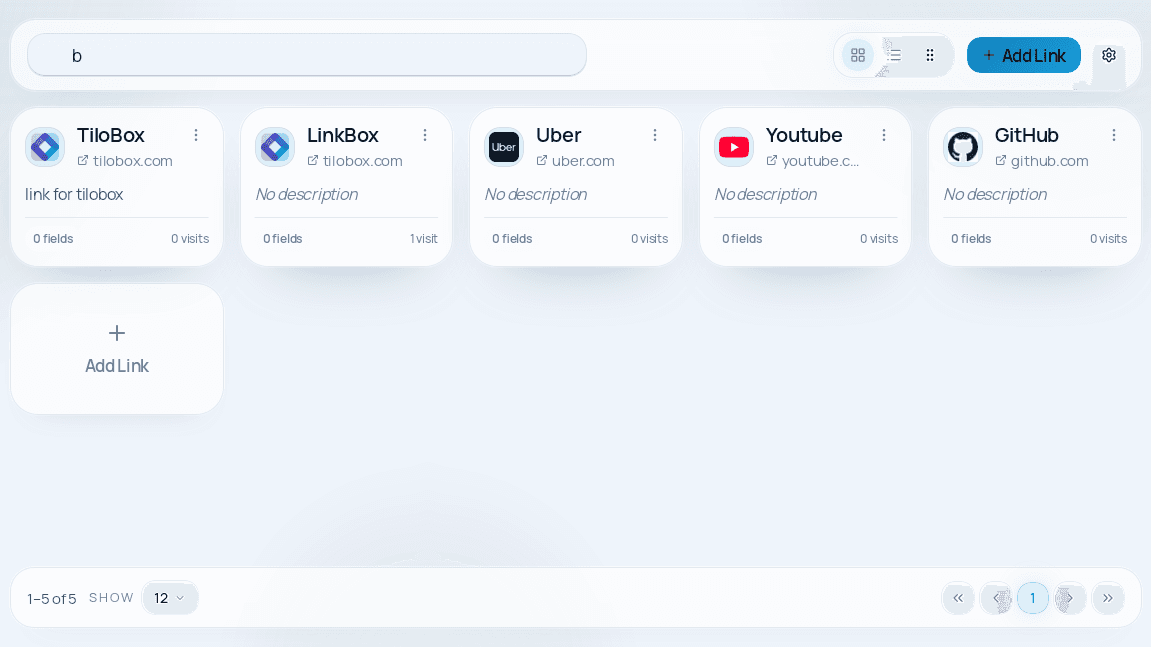
Browse rich cards with titles, favicons, descriptions, visits, and quick context at a glance.
Keep passwords, emails, and private values protected without moving them into a separate tool.
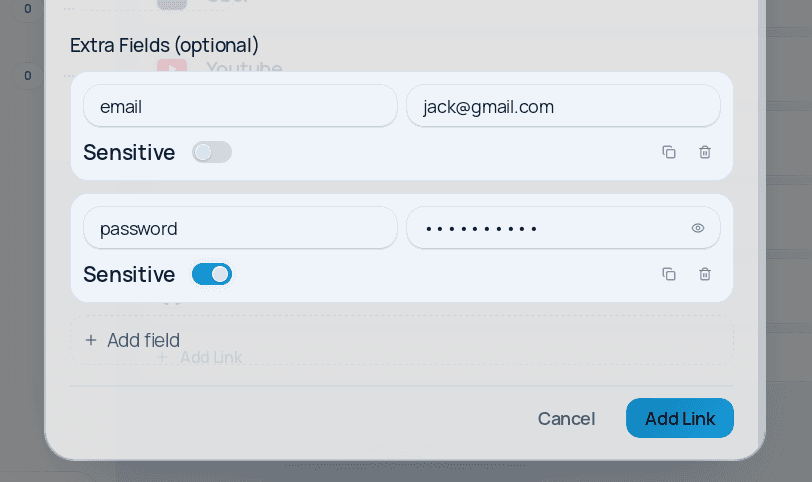
See the full workspace in list view with categories, quick actions, and a focused daily workflow.
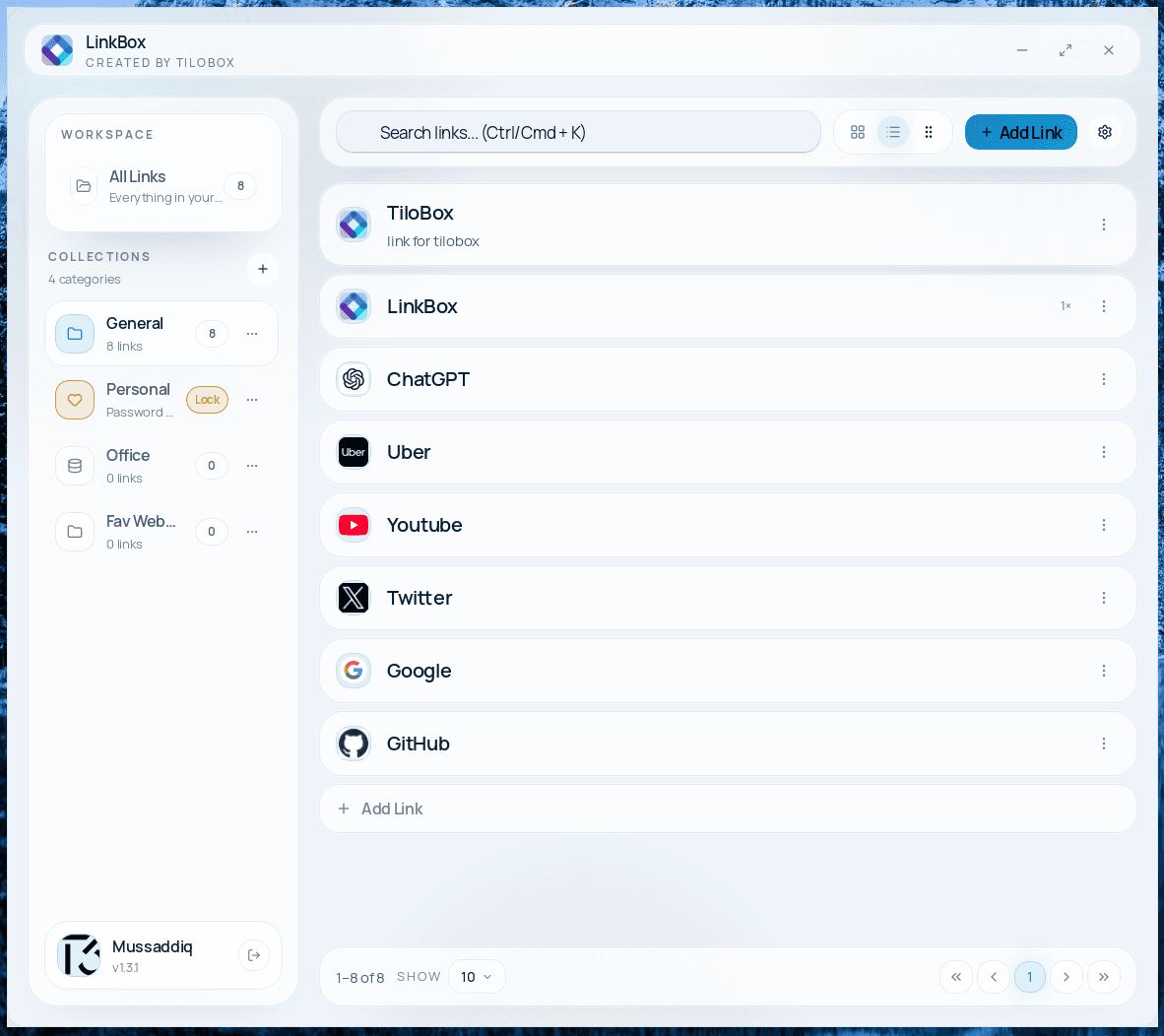
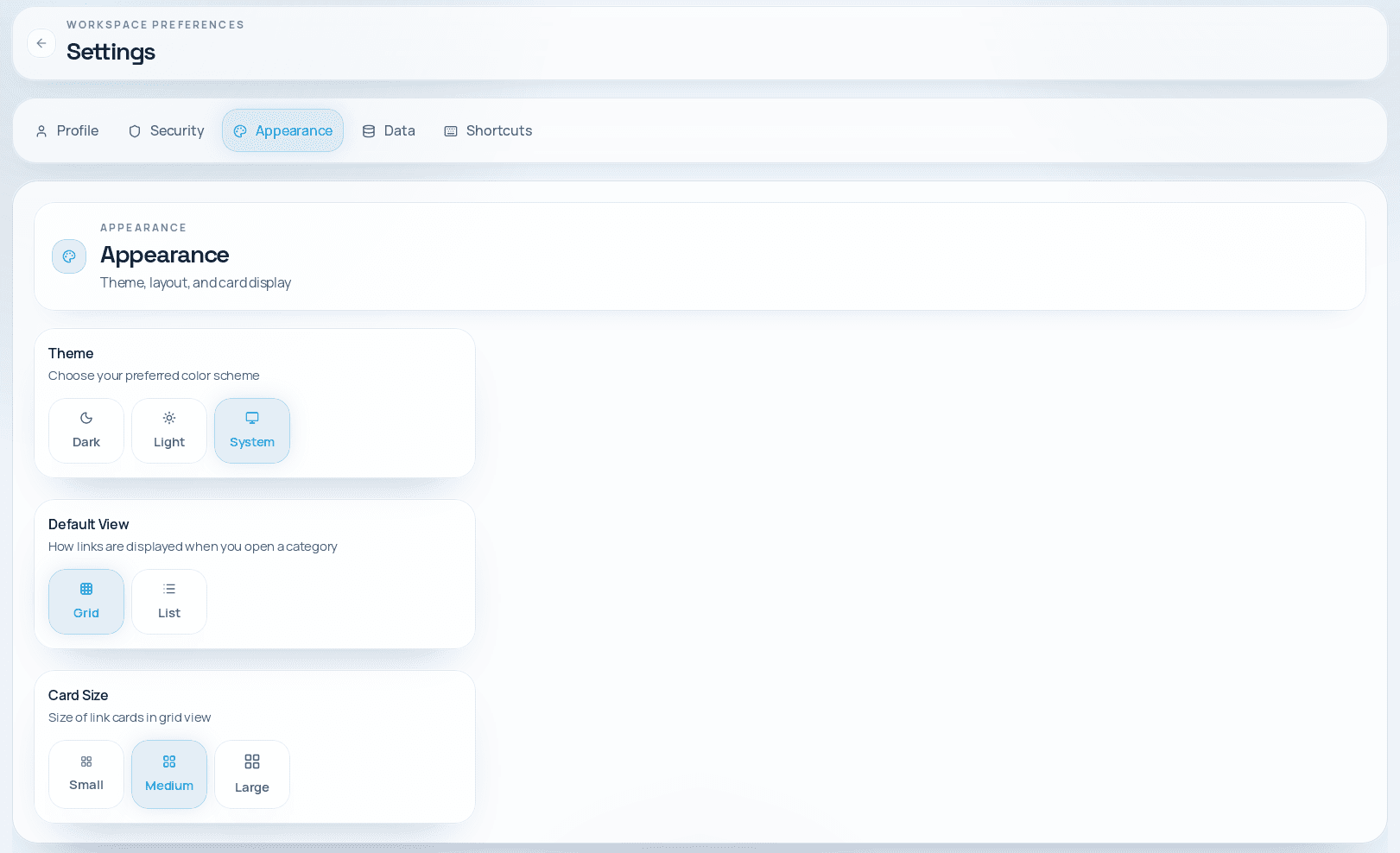
Switch theme, choose the default layout, and tune card density to match how you work.
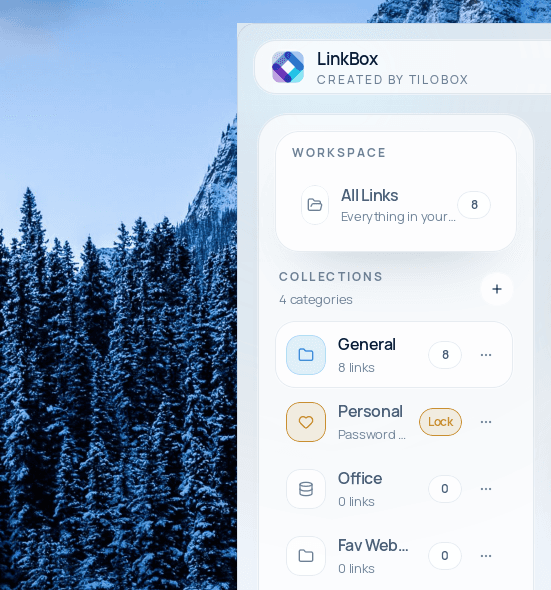
Organize work into collections, lock sensitive groups, and keep everything tidy in the sidebar.
Filter the workspace as you type and jump from search to the right link in seconds.
LinkBox includes simple shortcuts for search, new links, settings, and view switching. Windows and Linux use Ctrl. macOS uses Cmd.
Create a new link card immediately from anywhere in the app.
Jump straight into search so you can find links, notes, or credentials without touching the mouse.
Open LinkBox preferences to adjust the app the moment you need to.
Switch to the visual card layout for browsing link collections quickly.
Switch to the denser list layout when you want to scan more items at once.
Dismiss the active modal or dialog without breaking your flow.
LinkBox is designed to be powerful yet simple. Every feature exists because real users need it.
All your data stays on your device. No cloud, no servers, no third-party access.
Passwords, tokens, and secrets are encrypted at rest with OS keychain integration.
Organize links into categories. Lock sensitive categories behind a password.
Find any link, note, or credential instantly with full-text search across all cards.
Move your data between devices or back it up with simple import/export.
Each link is a rich card with title, URL, description, custom fields, and notes.
See when you last opened a link and how often you use it. Stay organized effortlessly.
Protect the entire app with a master password. Keep everything safe on shared machines.
Add any additional context — usernames, API keys, notes, status tags — per link card.
Choose your preferred visual style. Switch between grid and list views.
Works on Windows, macOS, and Linux. Same experience everywhere.
Download and use immediately. No registration, no subscription, no strings attached.
From HR teams and managers to developers and QA engineers, LinkBox adapts to the way people actually organize work.
Stop losing important links in spreadsheets and chat messages. Keep all HR portals organized in one place with LinkBox.
Access reporting dashboards, approval systems, and vendor portals without digging through bookmarks.
Keep repos, staging URLs, CI/CD tools, API docs, and credentials together per project with LinkBox.
Manage test environments, issue trackers, and release dashboards across multiple projects.
Organize your personal links, subscriptions, tools, and notes in a private dashboard.
Instead of hiding important details in generic company pages, LinkBox has its own product-specific security and privacy pages inside its site.
LinkBox is designed for fast setup and immediate productivity. No accounts, no configuration, no learning curve.
Get LinkBox for your platform — under 3 MB download, installs in under 60 seconds.
Save websites, dashboards, tools, and any URL as a rich visual card.
Group related links into categories. Add notes, credentials, and custom fields.
Search, browse, and launch any link instantly from your organized dashboard.
Free forever, no account required. Install and start organizing your links within seconds.
Version 1.2.3 · Release Notes
Answers about storage, privacy, security, platforms, and keyboard shortcuts.
LinkBox is a desktop app by TiloBox for organizing links, credentials, notes, and categories in one clean local dashboard. It works on Windows, macOS, and Linux.
Yes. LinkBox is completely free to download and use. No subscription, no account, no trial limitations.
All data is stored locally on your device in a local database file. Nothing is sent to any server or cloud service.
Yes. You can mark any field as sensitive — it will be encrypted at rest using your operating system's secure keychain. Sensitive values are hidden by default.
Yes. LinkBox works entirely offline. The only optional network request is favicon fetching for saved links, which can be disabled.
LinkBox adds rich context to every link — descriptions, notes, custom fields, encrypted credentials, and categories with locks. Browser bookmarks only store a URL and title.
Yes. You can export categories or your entire collection and share the file with teammates. They can import it into their own LinkBox.
Yes. LinkBox includes shortcuts for the actions you repeat most often, including Add Link (Ctrl/Cmd + N), Focus Search (Ctrl/Cmd + K), Open Settings (Ctrl/Cmd + ,), Grid View (Ctrl/Cmd + 1), List View (Ctrl/Cmd + 2), and Close Dialogs (Esc).
Yes. LinkBox is the first public TiloBox product, built inside a broader nonprofit software brand that stays focused on private, practical tools.
Download LinkBox for free, explore the product pages in depth, and keep your links and context in one private local workspace.